 | Login | Signup |
Assalamu Alaikum and a very warm welcome to the TrickBD family! I hope everyone is having a wonderful and productive day.
If you are someone who loves graphic design, photo editing, or creating content for social media, you know exactly how frustrating it can be to find the perfect font. We often spend hours browsing font websites, downloading zip files, extracting them, and trying to install them into apps like PixelLab, PicsArt, or Photoshop. Even after all that hard work, standard text can sometimes look rigid, flat, or just plain boring.
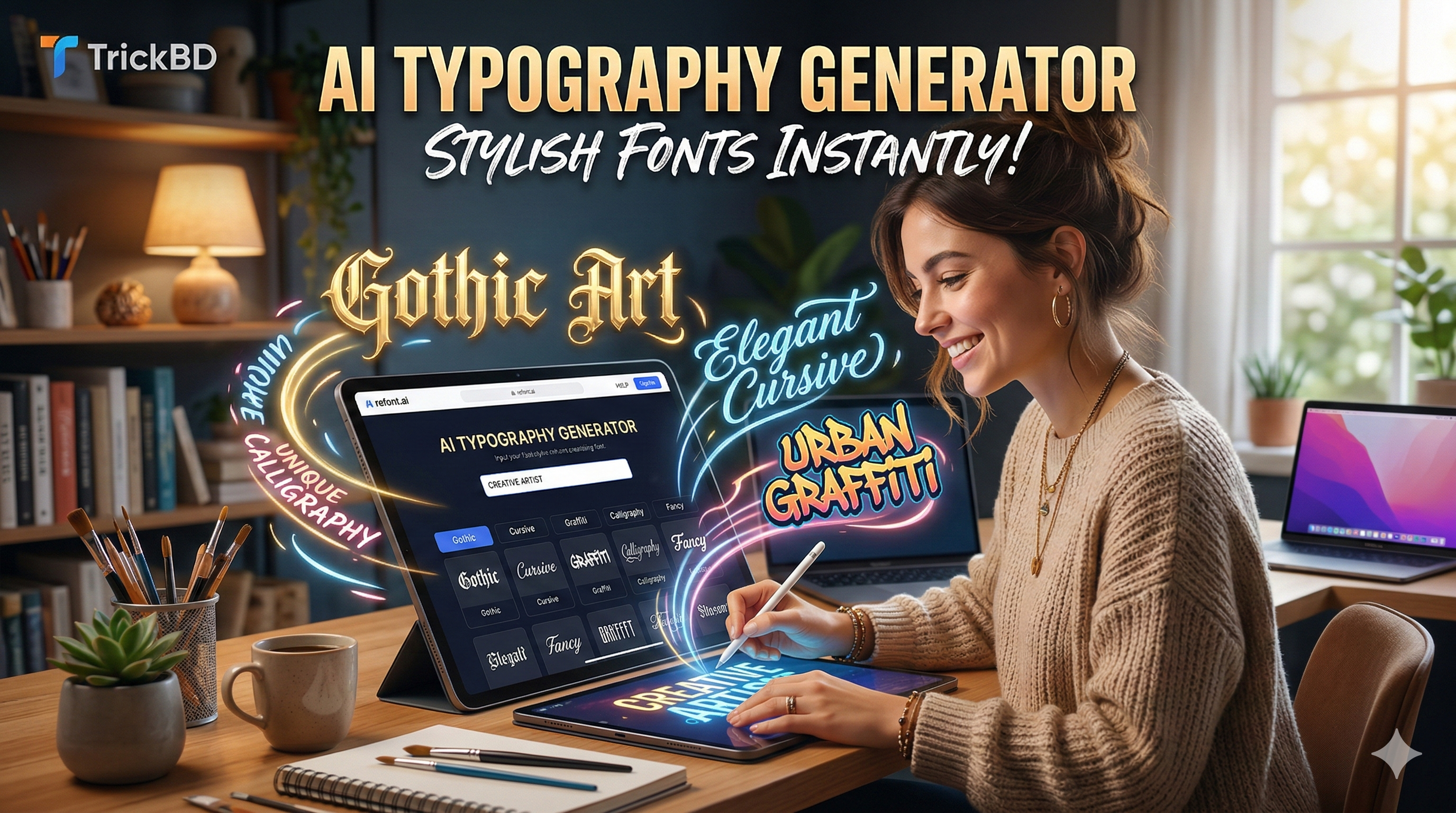
Today, I am incredibly excited to share a hidden gem of an AI tool that will completely change how you create digital text. It is fast, it is free to use, and the results look like they were hand-drawn by a professional digital artist. Let’s dive into it!
The tool I am talking about today is located at refont.ai/tattoo-font. While the URL mentions “tattoo font,” don’t let the name fool you! This is actually a highly advanced, AI-powered typography generator that specializes in beautifully complex, edgy, and artistic lettering styles.
Unlike traditional font websites (like DaFont or Google Fonts) where you have to download TTF or OTF files, Refont uses advanced Artificial Intelligence to generate high-definition text images instantly. You simply type what you want, and the AI crafts it with perfect spacing, curves, and style.
Here is a deep dive into why this tool is an absolute must-have for your editing toolkit:
Wondering how to actually implement these generated texts into your daily workflow? Here are a few creative ideas for our TrickBD community:
Using the site is incredibly beginner-friendly. Just follow these simple steps to get your premium text in seconds:
As digital creators, finding smart shortcuts that make our work look premium without costing a dime is always a massive win. By utilizing this AI font generator, you can bypass the tedious process of downloading and managing files, and jump straight into the fun part: creating beautiful, professional-grade digital art.
Give it a try today and let me know in the comments section below—which font style did you find the most useful for your editing style? If you found this trick helpful, please share the post with your fellow designer friends so they can upgrade their edits too.
Stay safe, keep learning, and happy editing, TrickBD!
 |
Roton Administrator
সিস্টেম ডিকোড করা আমাদের নেশা। |
 Coding ছাড়াই Website বানান! 🤖 AI দিয়ে ফ্রি (Mobile Tutorial)
May 6, 2026 | No Comments | 6 views
 প্রচণ্ড গরমে শরীর ঠান্ডা ও সুস্থ রাখার ৫টি কার্যকরী প্রাকৃতিক উপায়!
May 6, 2026 | No Comments | 6 views
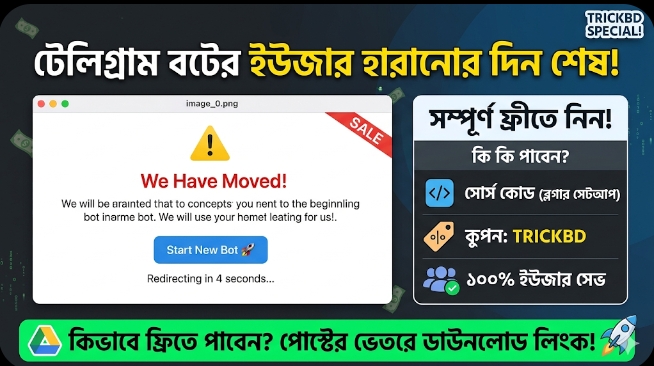 [Free Script] টেলিগ্রাম বটের ইউজার হারানোর দিন শেষ! সেটআপ করুন Bot Redirect System একদম ফ্রিতে।
May 6, 2026 | No Comments | 8 views
 AI কোডিং কি ফ্রিল্যান্সার ওয়েব ডেভেলপারদের “শত্রু” হয়ে উঠছে?
May 5, 2026 | No Comments | 8 views